ArcherDB Lite
200,800196,073–204,015 range1.5% CV

For fleet, logistics + real-time location systems
Ingest live location events and answer radius, polygon, and latest-position queries through one replicated system—without stitching together a database and spatial cache.
Bring your workload, event rate, and topology. We will evaluate the fit before commercial terms.
Same retention. Same indexes. Same durability.
ArcherDB Lite retained and geospatially indexed every event while maintaining latest state—delivering 4.2× Valkey and 26.9× PostgreSQL + PostGIS throughput. Five measured trials, exact result checks, and the full method are published below.
The ratio is median durable full-history ingestion at 80,000-event batches through the Python SDK, where ArcherDB also reached 26.9× PostGIS. The native-client figure is the server’s own ceiling on the same node, measured by the repository’s bulk-load harness at maximum batch size — not part of the three-way comparison. Not a blanket performance guarantee.
196,073–204,015 range1.5% CV
7,447–7,571 range0.6% CV
47,275–48,809 range1.2% CV
Every system retained 100,000 historical events, indexed them spatially, and maintained 10,000 latest positions.
Coverage: ArcherDB Lite · one node · LAB45. Standard through Ultra and LAB96 have not been benchmarked in this comparison.
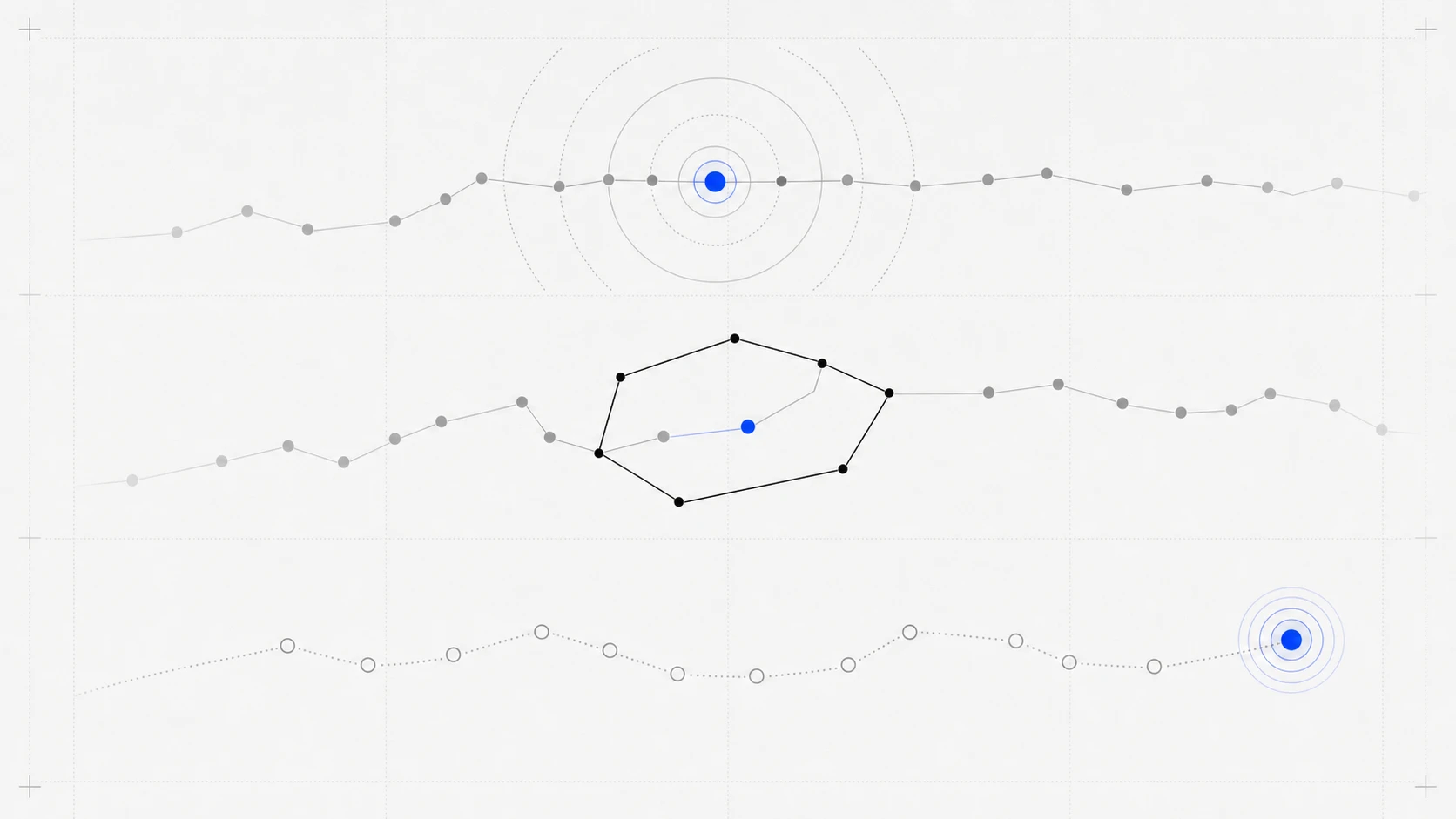
Find events within a distance of a point.
Search events inside an operational boundary.
Read the most recent event for each entity.
Inside the motion engine
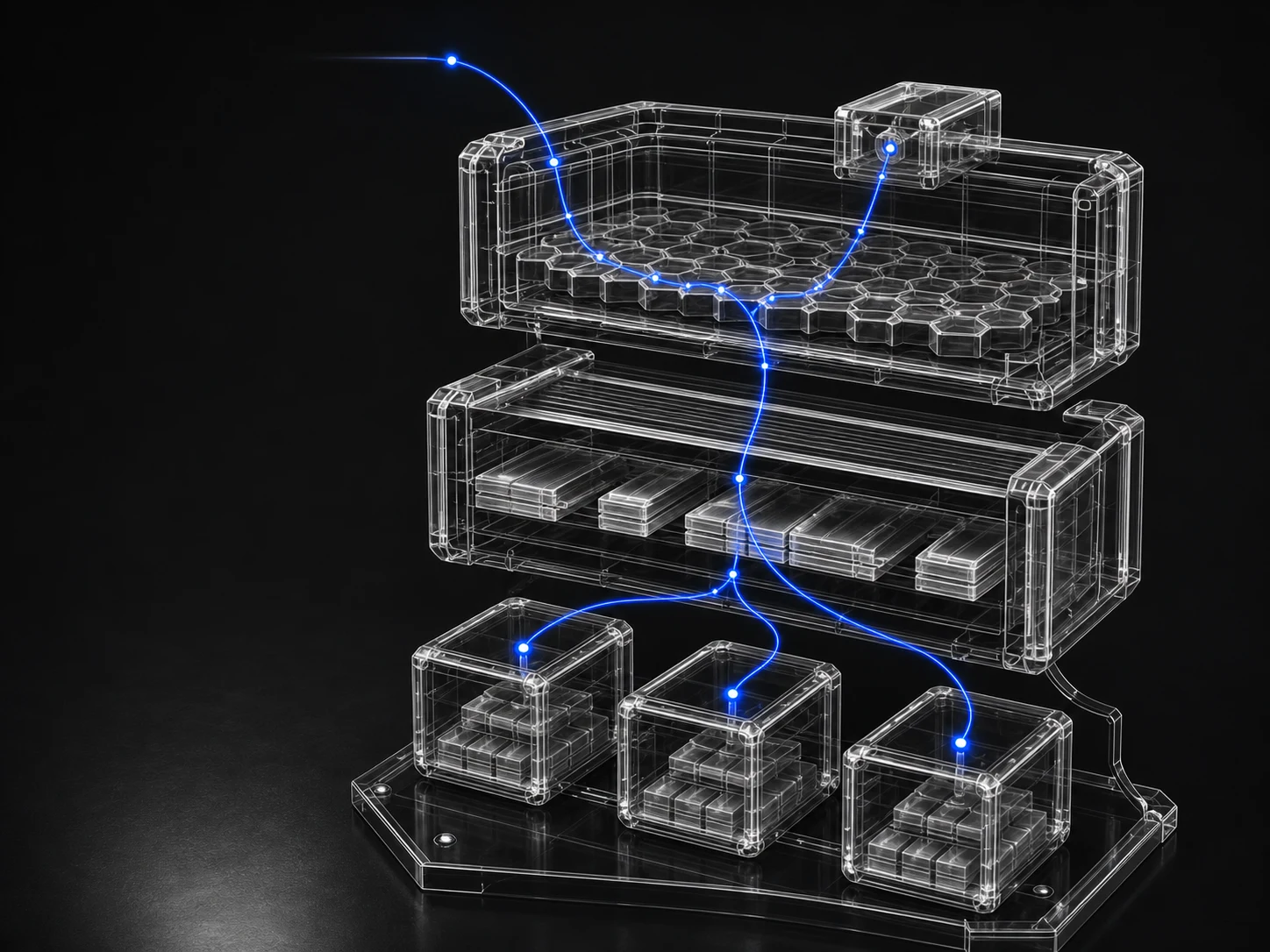
One ordered path through spatial indexing, append-heavy storage, and replicated state.
One engine. Five profiles.
Lite reduces fixed overhead for evaluation. Standard through Ultra share ArcherDB's high-performance runtime and increase the RAM index and durable-storage limits available to each node.
| Profile | Designed for | RAM index | Approx. latest entities | Storage default | Storage maximum | Runtime |
|---|---|---|---|---|---|---|
| LitePublic download | Demo + evaluation | 128 MiB | ~0.98 million | 4 GiB | 4 GiB | 64 clients · 256 journal slots |
| StandardCommercial | Baseline production | 4 GiB | ~31 million | 64 GiB | 256 GiB | 256 clients · 1,024 journal slots |
| ProCommercial | Growing production | 16 GiB | ~125 million | 512 GiB | 2 TiB | 256 clients · 1,024 journal slots |
| EnterpriseCommercial | Large production | 32 GiB | ~250 million | 4 TiB | 16 TiB | 256 clients · 1,024 journal slots |
| UltraCommercial | Highest packaged capacity | 64 GiB | ~501 million | 16 TiB | 64 TiB | 256 clients · 1,024 journal slots |
Entity estimates use the standard 96-byte RAM-index slot budget at the 70% target load factor. They are capacity-planning estimates, not benchmark guarantees. Storage and RAM-index values are per node.
Choose a production profileArcherDB Lite
Start a local single-node ArcherDB instance from a prebuilt executable. No compiler, package manager, or Zig toolchain required.
macOS Universal
One executable for Apple Silicon and Intel Macs.
Download macOS Universal SHA-256 checksumscurl -fLO https://archerdb.io/downloads/archerdb-lite-macos-universal.tar.gz
tar -xzf archerdb-lite-macos-universal.tar.gz
cd archerdb-lite
./archerdb-lite format --cluster=0 --replica=0 --replica-count=1 data.archerdb
./archerdb-lite start --addresses=3000 data.archerdbFive client SDKs
Choose a language to see its first ArcherDB connection, position write, and radius query. The examples target the Lite instance running at 127.0.0.1:3000.
C client
Direct asynchronous access with explicit packet and memory control. Completion callback setup is abbreviated here.
Request C SDK access#include <string.h>
#include "arch_client.h"
arch_client_t client;
uint8_t cluster_id[16] = {0};
const char *address = "127.0.0.1:3000";
// on_completion receives the asynchronous result.
arch_client_init(&client, cluster_id, address, strlen(address),
0, on_completion);
geo_event_t event = {
.id = 1,
.entity_id = 1001,
.lat_nano = 37774900000,
.lon_nano = -122419400000,
.group_id = 1,
};
arch_packet_t packet = {
.operation = ARCH_OPERATION_INSERT_EVENTS,
.data = &event,
.data_size = sizeof(event),
};
arch_client_submit(&client, &packet);Go client
A thread-safe client for concurrent services, with typed events, batches, and spatial filters.
Request Go SDK accessclient, err := archerdb.NewGeoClient(archerdb.GeoClientConfig{
ClusterID: types.ToUint128(0),
Addresses: []string{"127.0.0.1:3000"},
})
if err != nil { log.Fatal(err) }
defer client.Close()
event, err := types.NewGeoEvent(types.GeoEventOptions{
EntityID: types.ID(),
Latitude: 37.7749,
Longitude: -122.4194,
GroupID: 1,
})
if err != nil { log.Fatal(err) }
failures, err := client.InsertEvents([]types.GeoEvent{event})
if err != nil || len(failures) > 0 { log.Fatal(err, failures) }
filter, err := types.NewRadiusQuery(37.7749, -122.4194, 1000, 100)
if err != nil { log.Fatal(err) }
result, err := client.QueryRadius(filter)
if err != nil { log.Fatal(err) }
fmt.Println(len(result.Events))Java client
A closeable, thread-safe client with builders for writes and typed spatial-query results.
Request Java SDK accesstry (GeoClient client = GeoClient.create(0L, "127.0.0.1:3000")) {
GeoEvent event = new GeoEvent.Builder()
.setEntityId(UInt128.random())
.setLatitude(37.7749)
.setLongitude(-122.4194)
.setGroupId(1L)
.build();
GeoEventBatch batch = client.createBatch();
batch.add(event);
batch.commit();
QueryRadiusFilter filter = QueryRadiusFilter.create(
37.7749, -122.4194, 1000, 100
);
QueryResult result = client.queryRadius(filter);
System.out.println(result.getEvents().size());
}Node.js client
A native-backed JavaScript client for event-driven services and TypeScript applications.
Request Node.js SDK accessconst { createGeoClient, id } = require('archerdb-node')
const client = createGeoClient({
cluster_id: 0n,
addresses: ['127.0.0.1:3000'],
})
const batch = client.createBatch()
batch.addFromOptions({
entity_id: id(),
latitude: 37.7749,
longitude: -122.4194,
group_id: 1n,
})
await batch.commit()
const result = await client.queryRadius({
latitude: 37.7749,
longitude: -122.4194,
radius_m: 1000,
limit: 100,
})
console.log(result.events.length)
client.destroy()Python client
A synchronous context-managed client for scripts, services, and workload evaluations.
Request Python SDK accessfrom archerdb import GeoClientSync, GeoClientConfig, create_geo_event, id
config = GeoClientConfig(
cluster_id=0,
addresses=["127.0.0.1:3000"],
)
with GeoClientSync(config) as client:
batch = client.create_batch()
batch.add(create_geo_event(
entity_id=id(),
latitude=37.7749,
longitude=-122.4194,
group_id=1,
))
batch.commit()
result = client.query_radius(
latitude=37.7749,
longitude=-122.4194,
radius_m=1000,
limit=100,
)
print(len(result.events))ArcherDB Commercial Edition
Bring your event volume, query mix, and deployment topology. Cyber Labs will scope a private technical evaluation and commercial agreement around the system you actually need.
Request a technical evaluationNo public signup. No generic pricing. A technical conversation first.